
Overview #
Swift Commerce Pro unlocks advanced features and premium functionality for your WooCommerce store. This guide explains how to install the Pro version after completing your purchase.
Before You Begin #
Make sure you have:
- An active Swift Commerce Pro license (purchased from swiftcommerce.io/pricing)
- The free Swift Commerce plugin is already installed and activated
- Your license key or access to your purchase confirmation email
- Make sure to download Swift Commerce Pro from your Members area. Follow the guide: Downloading Swift Commerce Pro
Once you have the Swift Commerce Pro zip file ready with you, follow the steps to install it on your WordPress website.
Step 1: Go to WordPress Dashboard > Plugins >Add Plugins
Step 2: Click on “Upload Plugin” on top left
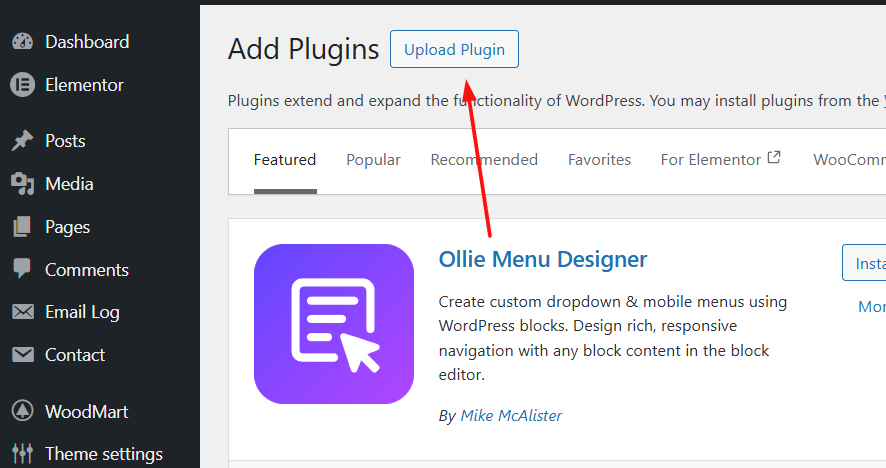
Step 3: Click on “Choose Plugin” and select the zip file you downloaded from the Members area.

Step 4: Click on “Install Now” and your Swift Commerce Pro extension will be installed.


